What belongs in a credit union marketing strategy for AI search?
By Avi Mash ·
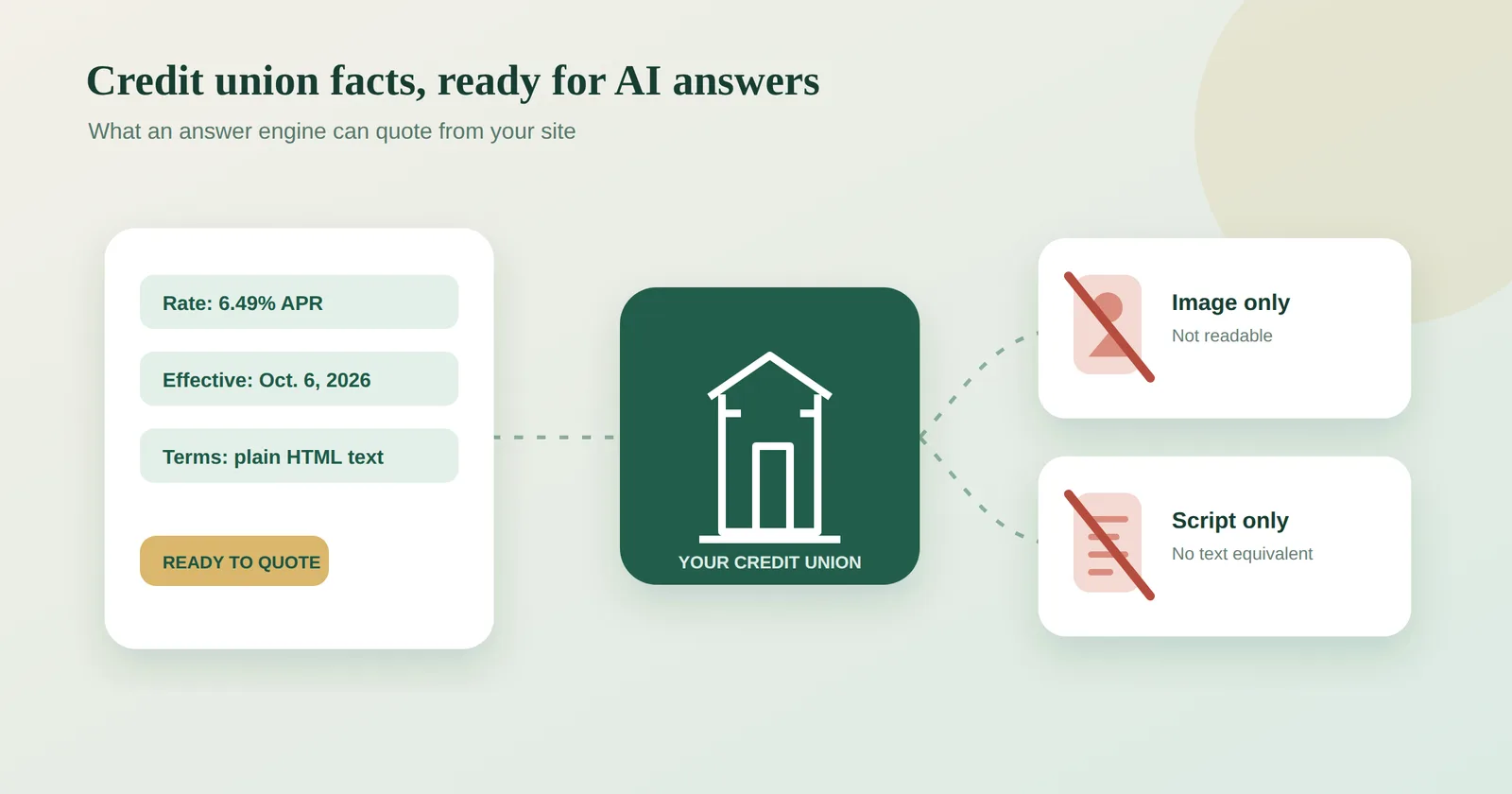
A credit union marketing strategy for AI search has four parts: the questions members actually ask, current and complete product and eligibility pages, local facts like branches and field of membership, and a recurring check of what the engines say about you. Google says core SEO best practices apply to its AI features, so the work builds on fundamentals you likely already own.
The short version
A credit union marketing strategy for AI search covers four things: the questions members ask, the pages that answer them, the local facts that make you eligible, and a recurring check of what the engines actually say. None of it requires new tooling to start. It requires knowing what the engines read and whether your version of the facts is the one they find.
Start with the questions, not the channels
Members and non-members ask AI assistants direct questions: which credit union near me has free checking, can I join if I work in this county, what is the penalty for early CD withdrawal. An answer engine does not hand back a list to browse. It builds one answer and names a small set of institutions, or none.
Your first strategy document is a list of those questions. Pull them from member service logs, branch staff, your own site search, and the autocomplete suggestions on your top product terms. Group them by product: checking, savings, auto loans, mortgages, membership eligibility. This list is the spine of everything else.
Make the pages answer the questions completely
For each question group, you need one page that answers it in plain text. The common failure points at credit unions are specific:
Rates and dates trapped in images or PDFs. An engine cannot quote what it cannot read as text. Put the rate, the APY, and the effective date in HTML on the page.
Missing effective dates. A rate with no date looks stale next to a competitor whose page says when it was last updated.
Eligibility buried or vague. Field of membership is your biggest differentiator and your most common gap. If joining requires living, working, or worshiping in named counties, say the counties in text, not in a dropdown or a map image.
Product pages that describe benefits but skip fees, minimums, and terms. The engine is assembling a comparison. Missing fields mean you get skipped.
Google's guidance on AI features and your website says core SEO best practices apply to AI features, and that supporting pages must be indexed and snippet-eligible. It also says no special AI text file or schema markup is needed. The work is the fundamentals: crawlable pages, clear text, accurate facts. Google separately recommends helpful, reliable, people-first content and cautions against content created mainly to manipulate rankings. Write the page for the member asking the question, not for the engine.
Rates, fees, and disclosures are regulated content, so give any change to those a careful eye before it ships.
Own your local facts
Credit unions win or lose on local eligibility. The engines assemble answers from your site, your Google Business Profile, and third-party directories. If your branch hours differ across those sources, or your field of membership is described three different ways, the engine has no clean fact to quote.
Audit the basics: name, address, phone, hours, and service area, identical everywhere. Branch pages with real text, not just a locator widget. A membership page that lists every qualifying community, employer group, and association in plain language.
Check what the engines say, on a schedule
There is no alert when an engine stops naming you. Your rankings look fine, your traffic looks normal, and the question gets decided without you.
Once a month, ask the same ten to twenty member questions in the major AI assistants. Record three things: whether you are named, which institutions are named instead, and which page or source the engine appears to draw from. When a competitor is named, open the cited source. Usually the reason is visible: a clearer rate table, a dated page, an eligibility list in text.
When checking by hand runs out, Scanley measures this across the AI engines on a recurring basis. The page for credit unions covers how this plays out for institutions your size, and the research page shows what the data says across institutions.
What a one-person team does first
Week one: write the question list and run the manual check. Week two: fix the worst page, usually the one with rates in an image or no effective date. Week three: reconcile your local listings. Week four: re-run the same questions and compare. That loop, repeated monthly, is the strategy. Everything else is refinement.
Questions people ask
Does a credit union need special markup or files for AI search?
No. Google says no special AI text file or schema markup is needed for its AI features. Core SEO best practices apply: indexed, snippet-eligible pages with clear, current text.
What is the most common reason a credit union is not named?
Facts the engine cannot read or trust. Rates locked in images, missing effective dates, and vague eligibility language are the usual causes. A competitor with plainer, dated pages gets named instead.
How is this different from regular SEO?
It builds on the same foundations, and Google says core SEO best practices apply to its AI features. The difference is the output: an answer engine names a few institutions in one synthesized answer rather than returning a list of links, so completeness and clarity of individual facts matter more.
How often should we check what AI assistants say about us?
Monthly is a workable cadence for a small team. Ask the same fixed set of member questions each time so you can compare results and spot when you drop out of an answer.
Can a one-person marketing team do this?
Yes. The core loop is a question list, a page audit, a listings cleanup, and a monthly recheck. Each step uses tools you already have: your CMS, your business profiles, and the AI assistants themselves.